
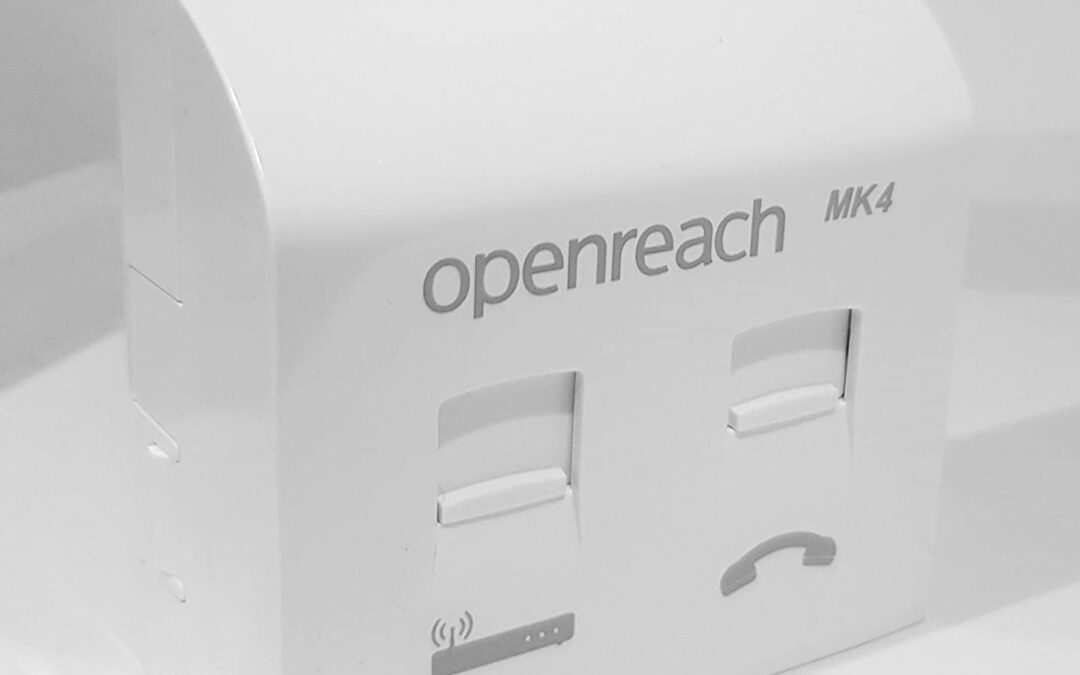
For decades, the UK’s traditional phone network worked quietly in the background. Landlines powered office phones, alarm systems, fire panels and entry systems with very little attention required. Most businesses installed them, trusted them, and then forgot about them.
That network has now been switched off. While you might find that your lines are still active, you need to know that they can be switched off at any time. Openreach will give notice of this switch off, but it’s better to be prepared, rather than get a nasty surprise.
The PSTN switch off deadline has passed, yet many small businesses are only just realising what that actually means for their premises. Not because they ignored the change, but because some of the most important connections were easy to miss.
If your business still relies on any form of landline connectivity, now is the time to double check that nothing critical was left behind.
Why the PSTN Switch Off Is Still a Live Issue
Although the old public switched telephone network is no longer operational, its impact is still unfolding. Many systems that once relied on analogue lines have not failed outright. Instead, they are sitting quietly, unable to communicate properly, waiting for the moment they are needed most.
This is particularly common in smaller commercial premises. While desk phones are obvious and tend to be upgraded first, other connections often remain untouched. These include alarm systems, fire panels, lift emergency phones and door entry systems that were installed years ago and have worked without complaint ever since.
The problem is not that these systems stop functioning internally. It is that they can no longer dial out reliably, which defeats their entire purpose.
The Systems Most Commonly Overlooked
In many cases, businesses are unaware that these systems even use a phone line. An intruder alarm may still arm and disarm as normal, but if it cannot communicate with a monitoring centre, it offers far less protection. Fire alarm panels may pass internal checks while being unable to send alerts externally. Door entry systems can fail at the exact moment access needs to be controlled.
These connections are often hidden away in plant rooms or comms cupboards. They may have been installed by a different supplier than your current telecoms provider, which makes them even easier to forget when changes happen.
This creates a serious risk, not only in terms of safety but also compliance. Many of these systems are subject to regulations and insurance requirements that assume reliable external communication.
What Replaced Traditional Landlines
The PSTN has not been removed without replacement. Instead, services have moved onto IP based technologies. Voice and signalling now run over broadband connections, VoIP platforms, or secure mobile data services, depending on the application.
For standard business phones, VoIP is usually straightforward. For alarm systems, fire panels and emergency lines, the solution needs to be more carefully designed. Reliability, power resilience and backup connectivity all need to be considered.
This is where many businesses struggle. These systems were never designed to simply plug into a router, and treating them like normal phones often leads to problems later on.
Why Small Businesses Were Caught Out
Larger organisations typically had IT teams or managed service providers overseeing the transition. Smaller businesses often relied on their existing provider to flag anything important, or assumed that nothing would change unless action was required.
In reality, the responsibility sat with the business owner.
The PSTN switch off wasn’t a single moment where everything stopped working. It’s a gradual withdrawal, which makes it easy for issues in your everyday operations to go unnoticed. Many businesses are only discovering gaps now, during inspections, system tests or incidents.
Bear in mind that some lines may still be active but Openreach have openly confirmed that they can and will switch them off at any time now. You’ll receive 90 days’ notice before the switch-off, and this will occur at some point this year. Therefore, it’s advisable to have preparations in place so you’re not left without a connection.
How Nxcoms Helps Businesses Catch Up Safely
Nxcoms works with UK businesses to identify any remaining landline dependencies and move them onto modern, reliable alternatives that suit the specific system involved.
This starts with a proper review of existing lines and what they are actually connected to. Once that is clear, Nxcoms can recommend the right solution, whether that is VoIP, data connectivity, mobile backup or a combination of services designed to keep critical systems online at all times.
For alarm and fire systems, this often means resilient connectivity with automatic failover. For entry systems and emergency phones, it means ensuring compliance while removing reliance on obsolete infrastructure.
The goal is not just to replace what was there before, but to make sure it is fit for purpose going forward.
Final Checks Every Business Should Make
If you are unsure whether your business completed the transition properly, there are a few sensible steps to take. Review all phone lines still billed to your premises and confirm what they are connected to. Check the documentation for any alarm, fire or access systems and look for references to analogue or PSTN lines. If anything is unclear, seek advice from a specialist who understands both connectivity and compliance.
Waiting until a system fails or an inspection highlights a problem is never ideal. By then, you are dealing with urgency rather than planning.
Do Not Let a Missed Line Become a Bigger Problem
The PSTN switch-off deadline has already passed, but for many businesses, the real consequences are only just becoming visible. The greatest risk now lies in the connections that were forgotten rather than the ones that were planned for.
If you want confidence that nothing critical has been missed, Nxcoms can help you review your setup and put the right solutions in place quickly and clearly.
To speak to a specialist, call 0161 711 1100 or email info@nxcoms.co.uk. Reliable connectivity should support your business quietly in the background, not cause problems when you need it most.
Checklist: What to Double Check
If you are unsure whether everything in your premises was moved over before the PSTN switch off, work through the checklist below. These are the systems most likely to still rely on an analogue line.
● Main phone system
Check whether your desk phones connect via a router or directly into wall sockets. Older phone systems may still depend on analogue lines even if they appear to work.
● Intruder alarm lines
Many alarm systems use dedicated phone lines to communicate with monitoring centres. If these were not upgraded, alerts may no longer reach the outside world.
● Gate and door entry systems
Older access control systems often rely on phone lines to place calls or trigger remote access. These can easily be overlooked during upgrades.
● Broadband connection type
Some broadband services were delivered over analogue lines. If your connection has not been reviewed recently, it may need updating to a fully IP based service.
● Fire alarm panel lines
Fire panels frequently use phone lines to send fault or emergency signals. These connections must be reliable and compliant at all times.
● Older card payment terminals
Legacy PDQ or credit card machines sometimes dial out over phone lines rather than using IP or mobile data.
● Bank and legacy modem lines
Some financial or reporting systems still use modem based connections that rely on analogue infrastructure.
● Remote monitoring systems
Heating controls, environmental monitoring, lifts and other plant equipment may use old modem lines to report status or faults.
If any of these are unclear or you’re not certain how a system connects, it’s worth getting it checked properly. These lines are often hidden, rarely tested and only discovered when something stops working – which it will soon if not already!